
LinkedIn posts are everywhere, but great posts are rare. While everyone focuses on what to write, most people miss out on Hoe it should be formatted.
Great formatting isn't just about aesthetics; it boosts readability, engagement, and professional branding. Here are 10 proven LinkedIn formatting strategies, plus how LiGo can automate the whole process for you.
1. Bold Text for Quick Scanning
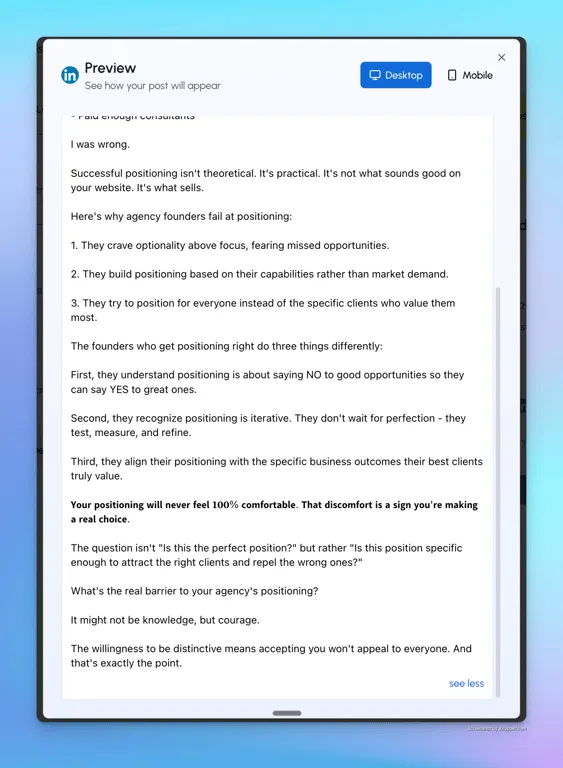
Your audience scrolls fast. Bold text can help your key points jump off the screen. Unfortunately, LinkedIn doesn't let you format text natively, but you can use external tools like LiGo's LinkedIn Text Formatter to make this quick and painless.
Voorbeeld: Zorg dat je bold your key takeaway.
 Learn more about formatting bold text effectively
2. Cursief voor subtiele nadruk
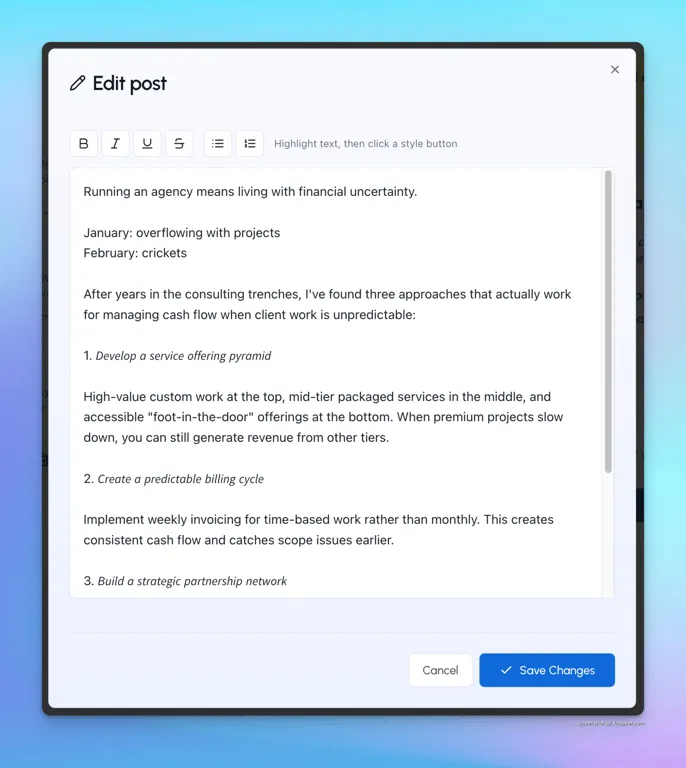
Italics convey subtle emphasis and readability. Again, external formatting tools (like LiGo ) simplify this task.
Voorbeeld: Use italics to introduce a new termof uitdrukking.
 Explore further about italics and emphasis
3. Bullet Points - Your Reader’s Best Friend
People skim. Use bullet points to present your points clearly. Bonus: LiGo’s publishing page lets regular users format their posts directly within the app.
Voorbeeld:
-
Clear
-
Beknopt
-
Scannable
4. Emojis, But Tastefully
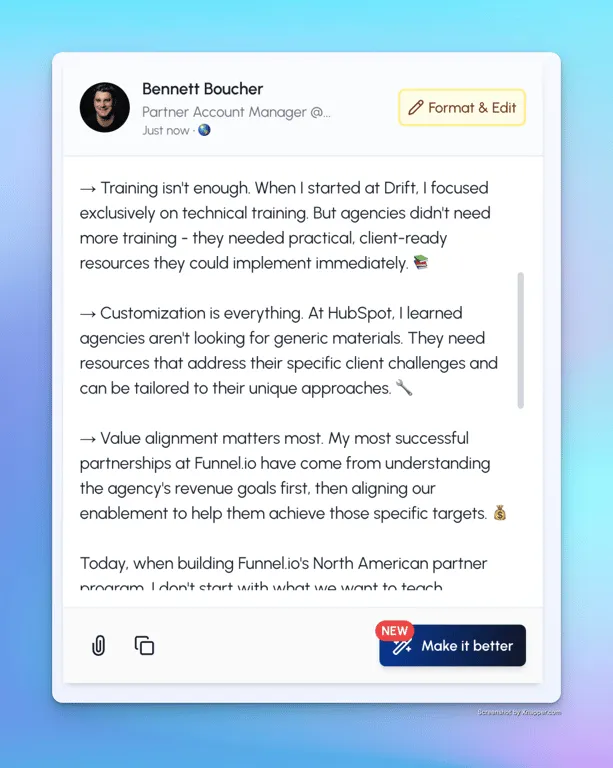
A well-placed emoji boosts relatability and warmth. But don't go emoji-crazy. LiGo's AI-generated post suggestions even learn your emoji preferences based on past posts.
Hoe emoji's de betrokkenheid beïnvloeden
5. Short Paragraphs with White Space
Big blocks of text? That’s a fast track to zero engagement. Keep paragraphs short. LiGo's analytics consistently show that posts formatted with short, snappy paragraphs outperform dense text.
6. Strategic Headlines
Start your post with a catchy, formatted headline. LiGo’s "theme-based content" feature lets you insert formatted examples which it then copies automatically - saving you formatting headaches each time.
UPDATE: In latest LiGo versions, you no longer even need to add formatted examples. We learn your formatting from your past posts and automatically adjust your tone.
7. Duidelijke scheidingspunten voor secties
Gebruik separatoren zoals | of • om je gedachten te ordenen. De ingebouwde opmaak van LiGo legt deze scheidingspunten direct vast, waardoor je opmaakstijl moeiteloos wordt nagebootst zodra je je voorbeeldberichten hebt geplaatst.
Voorbeeld:
Tips | Tools | Tactics
8. Krachtige oproep tot actie
Highlight your CTA clearly with bold text or icons like ✔️. LiGo can even automatically suggest strong CTAs based on your best-performing posts.
Voorbeeld: ✔️ Sign up for a free trial of LiGo.
9. Consistentie in opmaakstijl
Consistente opmaak = professionele branding. De schoonheid van LiGo? Zodra je je voorkeursformaat hebt ingesteld in je voorbeeldberichten, past deze stijl automatisch toe, dus je hoeft niet elke keer handmatig te tunen.
10. Finish Strong
Sluit altijd af met een duidelijke, boeiende CTA. Het Analytics Dashboard van LiGo stelt ideale afsluitingen voor, gebaseerd op wat historisch gezien je hoogste betrokkenheid heeft gedreven.
Voorbeeld: Ready to upgrade your LinkedIn game? Ontdek nu de LinkedIn-opmaaktools van LiGo .
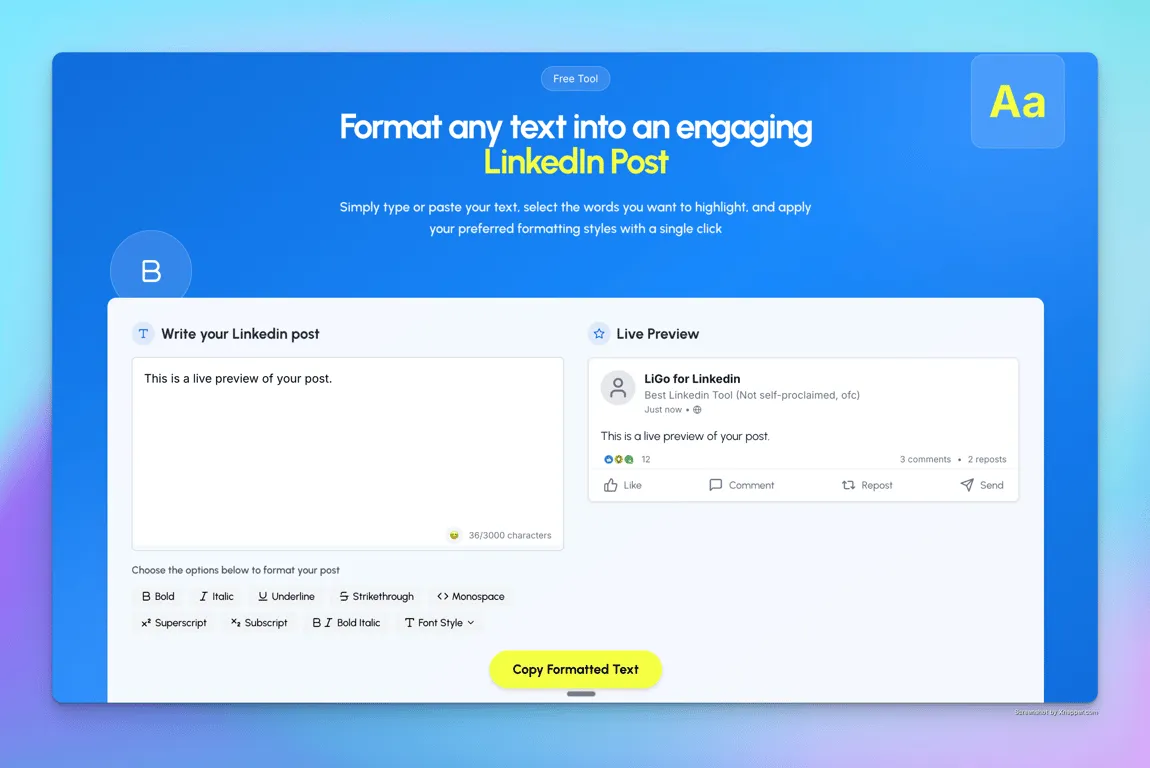
LiGo Solves These Formatting Pains - Forever
LiGo isn’t just another LinkedIn tool; it’s your AI-powered LinkedIn assistant designed specifically for agency owners, busy founders, and professionals who don't have time to manually format every post. With LiGo, your posts are automatically formatted exactly how you like them, every single time.
Ready to make formatting effortless and consistent?
👉 Try LiGo today and see the difference.
Your readers - and your engagement rates - will thank you.


